

anilab APK Installation Guide: Stream Movies and TV Shows Safely
The anilab app is an exciting platform for Indian Android users who wish to indulge in a wide variety of entertainment options. With anilab, you can easily stream Movies and TV shows, including popular Bollywood and Hollywood films, as well as South Indian Movies from Tamil, Telugu, Malayalam, and Kannada cinemas. In this guide, we will walk you through the basic functionalities of the app, how to download and install the anilab APK, and provide safety tips to ensure a secure installation experience.
1. About anilab
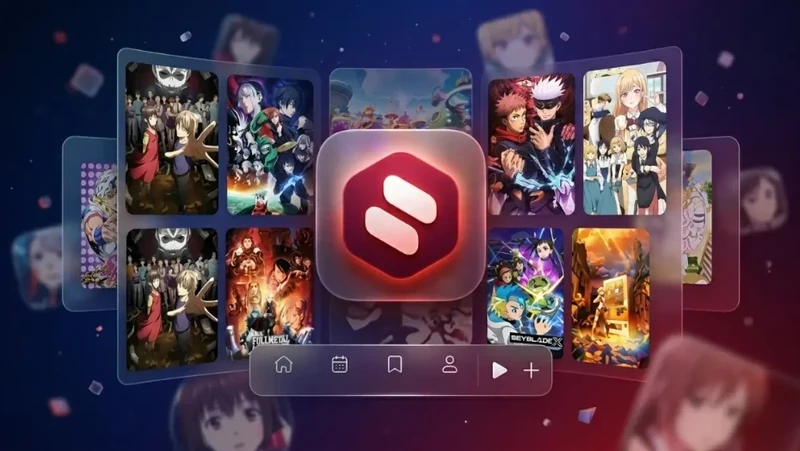
anilab offers users a comprehensive and delightful streaming experience, featuring categories of Hindi Movies, Regional Movies, and various web series. Its extensive library is designed for movie lovers, ensuring users have access to different genres and types of entertainment. The app provides a user-friendly interface for searching and categorizing content, allowing viewers to easily find what interests them. With options for video playback quality, anilab also caters to a variety of Android devices, thus ensuring compatibility for all.
2. How to Download and Install anilab APK
To set up the anilab APK on your Android device, follow the straightforward steps below:
- Step 1: Download the APK File
It is recommended to download the APK file from the official website or a trusted source to ensure you’re obtaining the latest version. Be sure to check the file name and version before proceeding. - Step 2: Locate the Downloaded File
Upon finishing the download, open the File Manager on your device, navigate to the Downloads folder and find the APK file. - Step 3: Enable Unknown App Installation
If your Android device restricts installations from unknown sources, go to:
Settings → Security / Privacy → Install Unknown Apps, and allow installations from your chosen source. - Step 4: Install the Application
Tap on the APK file and follow the on-screen instructions. Wait for the installation to complete. - Step 5: Open the App
After installation, click on Open to launch the app and complete any necessary setup.
It is advisable to disable the Install Unknown Apps permission post-installation for added security.
3. Safety Tips Before Installing anilab APK
Prior to downloading and installing the anilab APK, keep these safety tips in mind:
- Always prioritize downloading APK files from the official website or reliable sources.
- Avoid clicking on unfamiliar ads, pop-ups, or links from unknown sources, especially from Telegram.
- Check the APK file's origin and version information before installation.
- Utilize a trustworthy Android antivirus or Google Play Protect to scan the file.
- Be cautious regarding the permissions required during installation, denying any permissions that seem unnecessary.
- Remember to disable the Install Unknown Apps permission afterward for increased security.
- Steer clear of downloading unverified MOD APKs or modified versions of apps.
4. Frequently Asked Questions (FAQ)
Here are some common questions from users regarding anilab APK:
Q1. Is anilab APK free to use?As per available information, the anilab APK is free to use, allowing users to enjoy a wide range of content at no cost.
Q2. Can I watch Bollywood and South Indian movies on anilab?Yes, anilab supports a plethora of Bollywood films and South Indian Movies, providing a rich collection for regional cinema enthusiasts.
Q3. Does anilab APK work on Android TV?The compatibility of anilab with Android TV may vary; users are advised to check if their device meets the app's requirements.
Q4. Why is video streaming buffering or lagging?If you experience buffering or lagging while streaming, ensure your internet connection is stable, lower the video quality, close background applications, or restart the app.
Q5. Do I need to create an account to use anilab?The requirement for account creation in anilab has not been confirmed; users should check the app for any such registration demands.
5. Disclaimer
This article provides reference information regarding the installation and use of the anilab APK. Third-party cinema aggregation apps might contain content from various sources. All film works and copyrights belong to their respective legitimate rights holders. Users should adhere to the copyright laws applicable in their region. It is the user's responsibility to verify the application's source, content licensing, and usage risks. This article does not support any unauthorized film content or copyright infringement activities.